Welcome to the Cardlytics Technical Documentation!
The Cardlytics platform is designed and implemented to provide you with the technical documentation you need to leverage our platform, manage and grow your business.
This platform is now the source of truth for all Cardlytics technical documentation and product offerings, moving forward.
Our Engineering and Product teams have fully reviewed and vetted the technical content, ensuring that what you read and discover here is current and up to date, with the goal of enabling the best possible outcome for your marketing, programming and advertising efforts.
At a Glance
For Advertisers—in case you're an existing customer—our docs have moved and been revamped to encompass our entire and future advertising product line: Ads Manager User Guides for advertiser and agency reporting needs, and Advertiser APIs for aggregator and content provider integrations.
For Publishers, you'll find a completely updated, vetted and transformed version of our existing standard Financial Institution and Brand offering documentation, divided into these sections: Guides and API Reference with embedded cross-links from one section to the other.
Reach out to your account manager to gain access.
Navigation
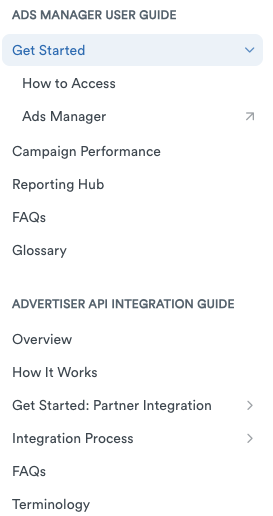
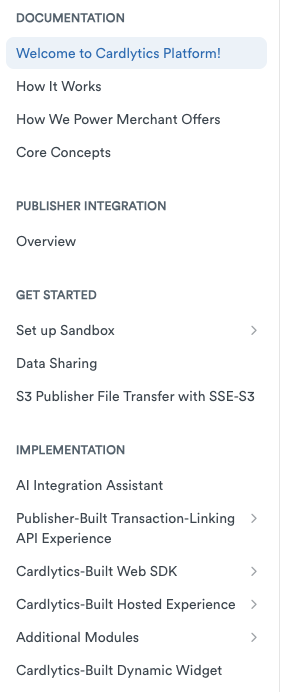
The new documentation platform was created for easier understanding, improved performance and navigation of our product offerings, user interfaces and APIs. As you iterate from top of tree to various branches in the Table of Contents (TOC), you'll find a sequence of topics designed to walk you systematically through the steps that you need to know to work successfully with our products.
In one sequence, for example, you'll traverse the TOC from Welcome to Ads Manager to User Guides to FAQs, learning and discovering as you go. In another sequence, you'll find the documentation guide for integrations with our API, describing in detail the specific steps you should follow, including prerequisites, implementation and options when performing those integrations.
Each page also includes a mini-TOC in the right navigation rail, enabling you to track and locate topics of interest without excessive scrolling up and down the contents on the page.
Tools
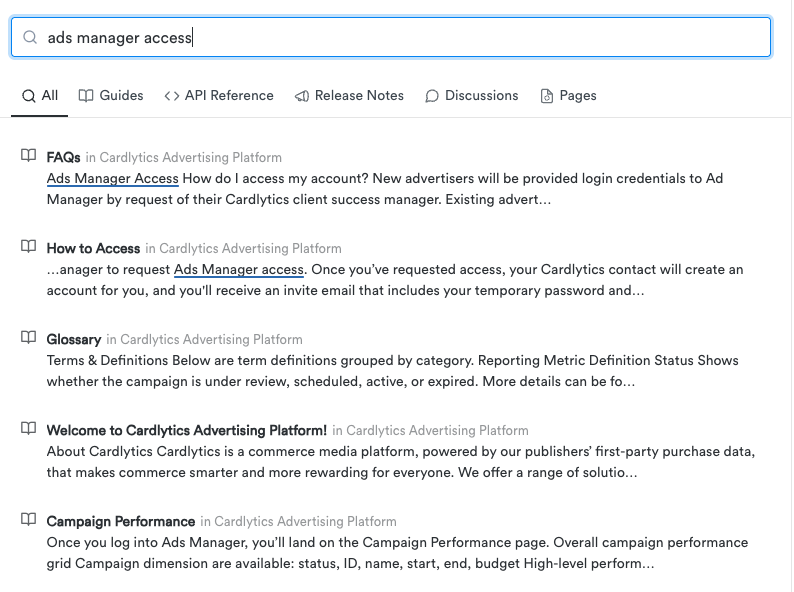
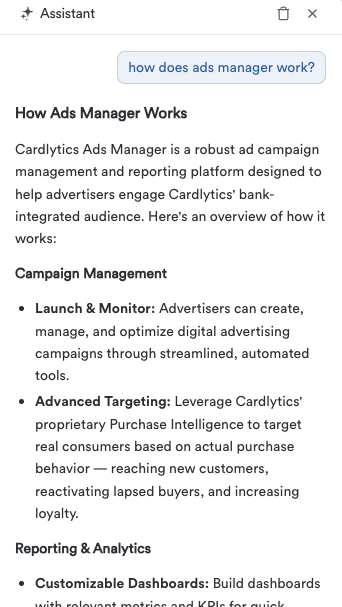
The platform now provides you with both document search and an AI assistant.

Simply enter your search query into the search field in the upper right corner of each page to explore the documentation:
Or alternatively select "Ask AI" and for advanced questions:
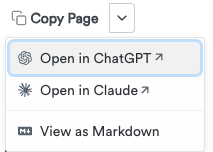
If you need to print out a PDF of any page, simply select the Print option in your browser. Clean, easy to read printouts in PDF format can be saved to your computer or other devices. You can also alternatively copy the content as markup or to import into your AI of choice with the "Copy Page" options located at the right hand side of every page.
Caveats
The technical content on each page of the new platform doc hub has been carefully reviewed and edited prior to release. That said, you may find items that need clarification, fixing or modification for better understanding. Make sure that you let us know by reaching out to your account manager or point of contact.
Feedback
The Cardlytics team values your input and feedback. Reach out to your account manager or point of contact if you have questions or issues that need to be addressed.
At the bottom of each page you'll also find an option to comment. Be sure to enter your comments in the box provided. We need to hear from you, regarding changes, fixes and updates to our technical content.