
How to Toggle Accounts
Instructions on how to toggle or select between accounts (for those with access to more than one account)
Note: Ads Manager remembers the last account you visited and automatically takes you into that account after next login. See steps below to switch between accounts.
Steps to switch between accounts
-
Your logged in name and the advertiser account you are in will be shown at the top right corner in Ads Manager. This is also known as our account picker.
Example: "Demo Account - 1"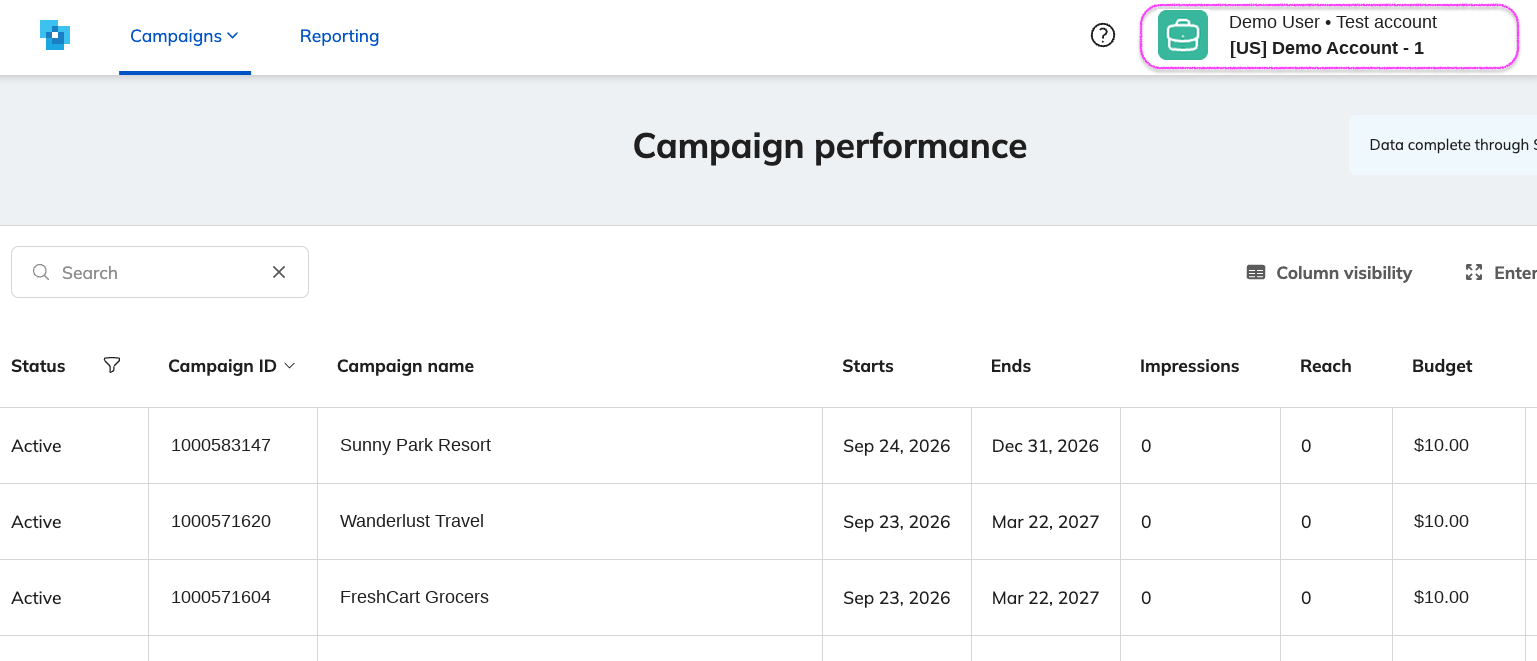
-
If you are assigned and have access to more than one account, you can click the account picker to expand.
Example: "Demo Account - 1" with "Demo Account - 2" to switch into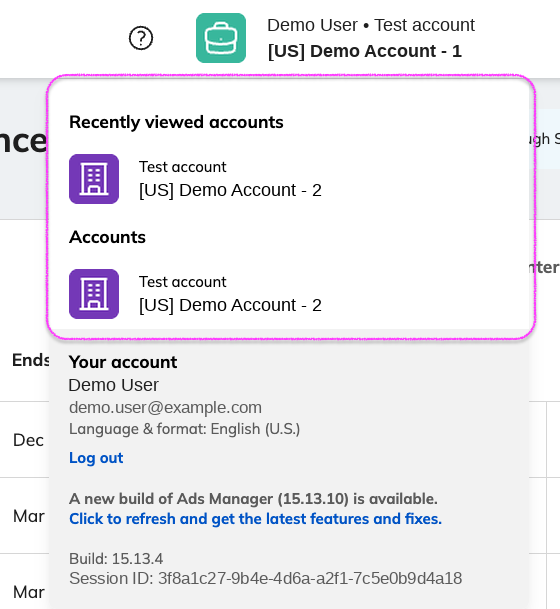
-
Once expanded, the account picker will show any recently viewed accounts as well as listing all of your acccounts. Selecting a different account will take you directly to it
Example: "Demo Account - 2"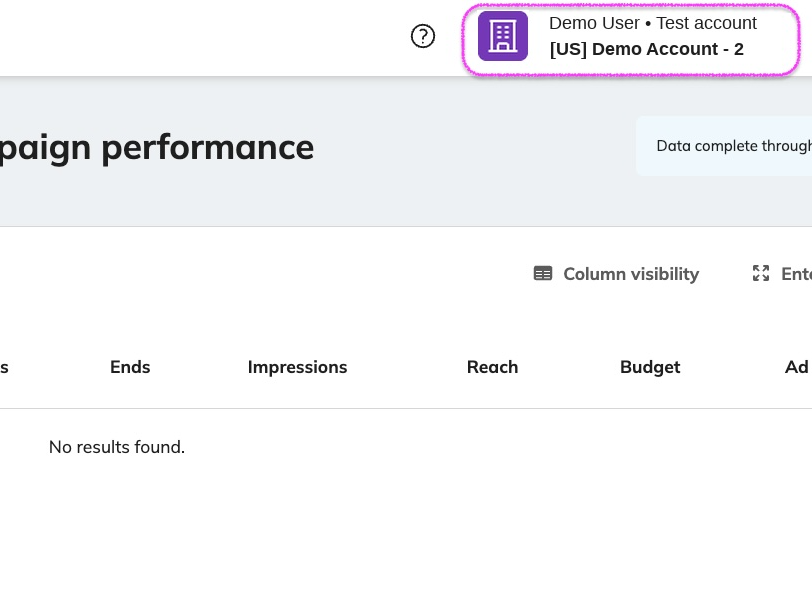
Updated 23 days ago